
How to Create a Telegram Account
1. Install Telegram App via Apple Store or Google Play Store
2. Open Telegram App: To launch the Telegram app, locate the Telegram app and Click
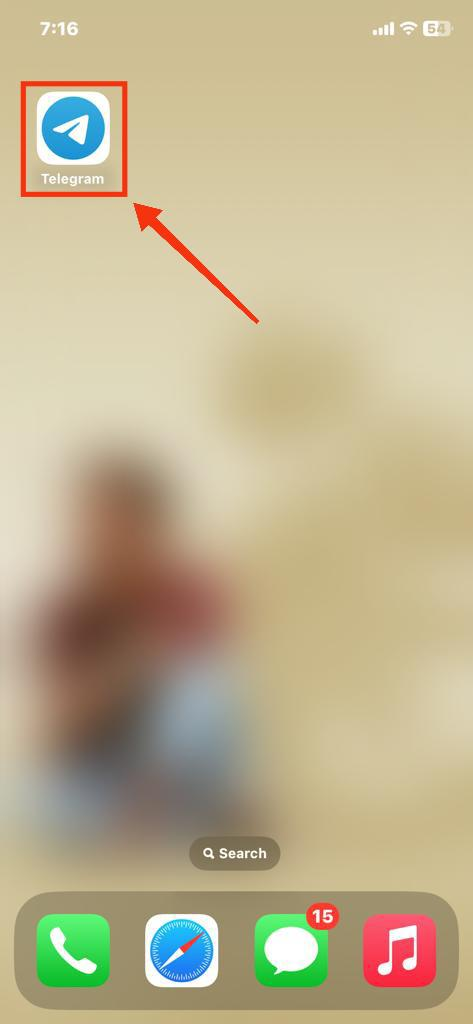
3. Click on Start Messaging: After opening the Telegram app click on the “Start Messaging” button to move towards the next step.

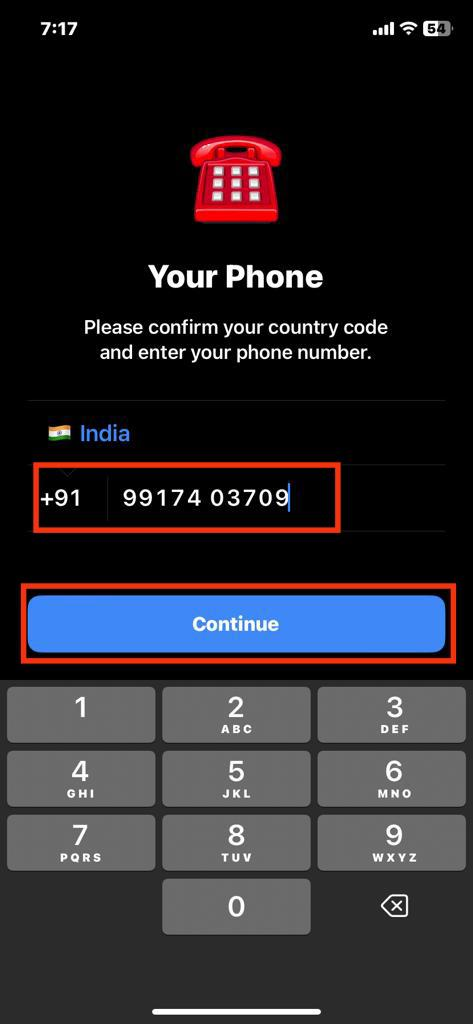
4. Select Country, Enter Mobile Number and Click Continue
Now in the next step you have verify your mobile number so first just select your country and then enter your mobile number. After click on the Continue button to move towards the next step.
5. Enter the Verification Code
Now in this step a small piece of code also known as OTP will be send on your mobile number or telegram so just enter the code and you will be able to clear the step.

6. Click this link to join our ePilates Online Telegram Channel